Navigating to Time Off Tracking Settings
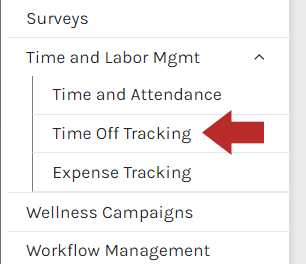
- Expand Settings, expand Time and Labor Mgmt and click Time Off Tracking from the menu.
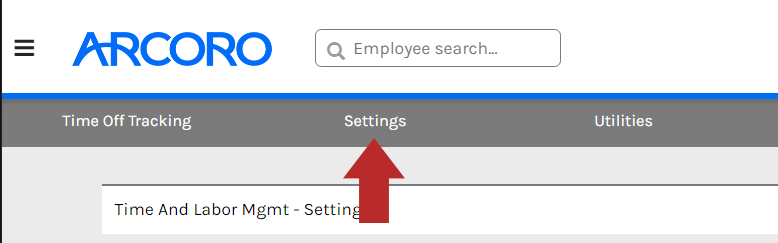
- Click Settings at the top menu bar.
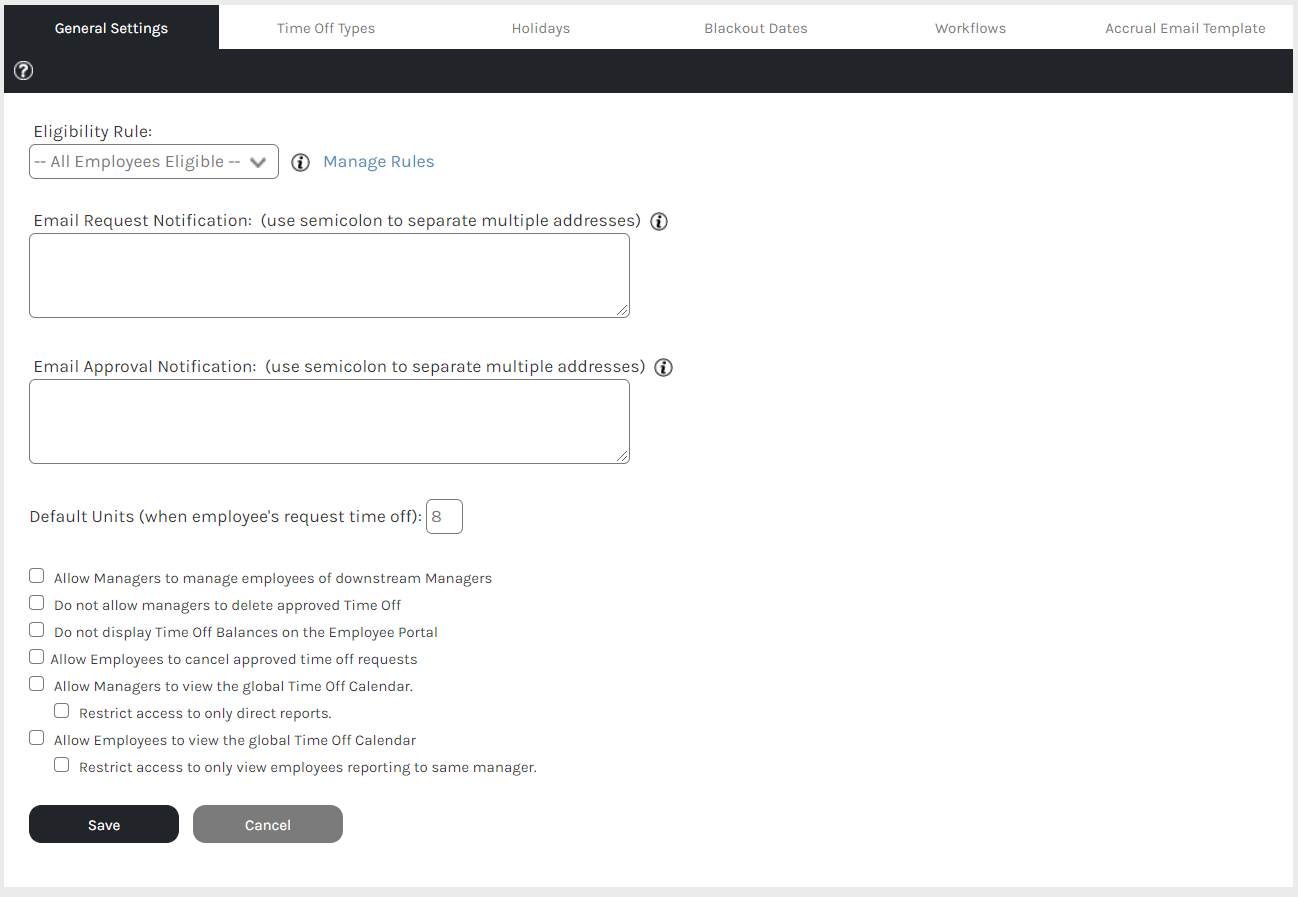
Within the Settings page are options for:
Support Central

Within the Settings page are options for: