
Hours worked of all non full-time employees must be tracked in InfinityHR to determine if medical benefits should be offered. An employee is considered fulltime from an ACA perspective if he works at least 30 hours in a week or 130 hours per month
Confirm Employee Hours
Confirm hours worked for recorded for all part-time, variable, and seasonal employees.
- From the menu, expand Employee, expand Time and Labor Mgmt, then click .
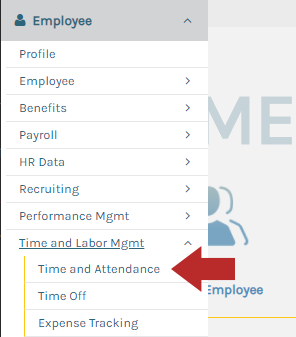
OR
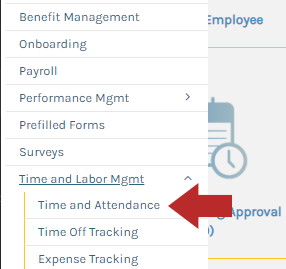
- From the menu, expand Settings, expand Time and Labor Mgmt, then click .
- Click .
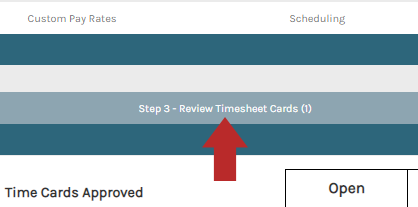
Import Time Records for Employe's Missing Recorded Hours
Setup Project Code
- From the menu, expand Settings, expand Time and Labor Mgmt, then click .
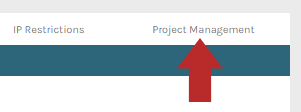
- Click from the top menu bar.
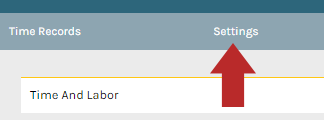
- Click the tab.
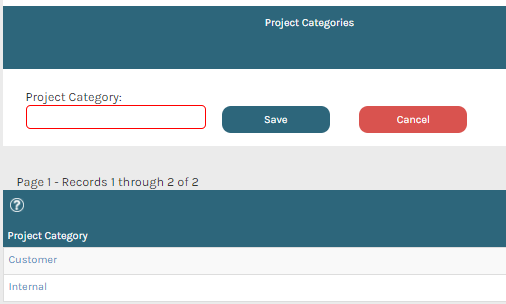
- Enter a name for the project into the "Project Category" field, then click Save.
Create a Project
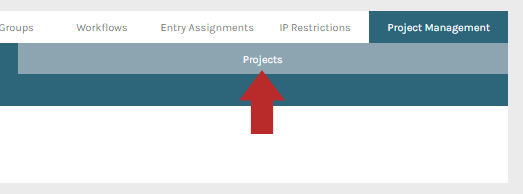
- While viewing the "Project Management" tab, click the tab.
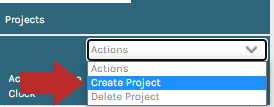
- From the Actions drop-down menu, click .
- Enter a project code and name as required.
- Please Note: Project code will be used on the Timesheet Date Import.
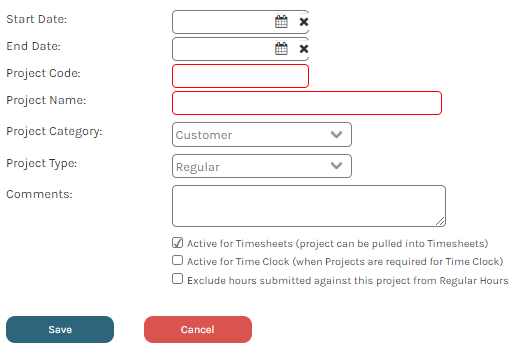
Import Timesheet Data
- From the menu, expand Data, expand Imports, and click .
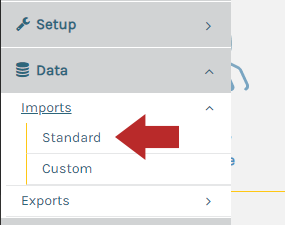
- From the "Import Type" drop-down menu, select .
- For information how to format the timesheet, click Import Layout.

- Click to select the file to import and enter the worksheet name.

- Click .
Repeat
- Repeat the "Confirm Employee Hours" step.