
If a policy has a document attached, you can view the document from the Policies page.
If the policy does not have a document attached, the "View Policy" option will not be listed.
Navigating to Onboarding Policies
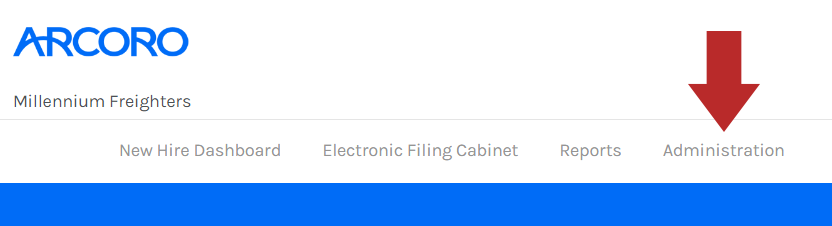
- Click Administration from the top menu bar of Onboarding.
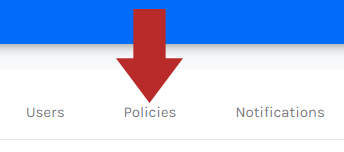
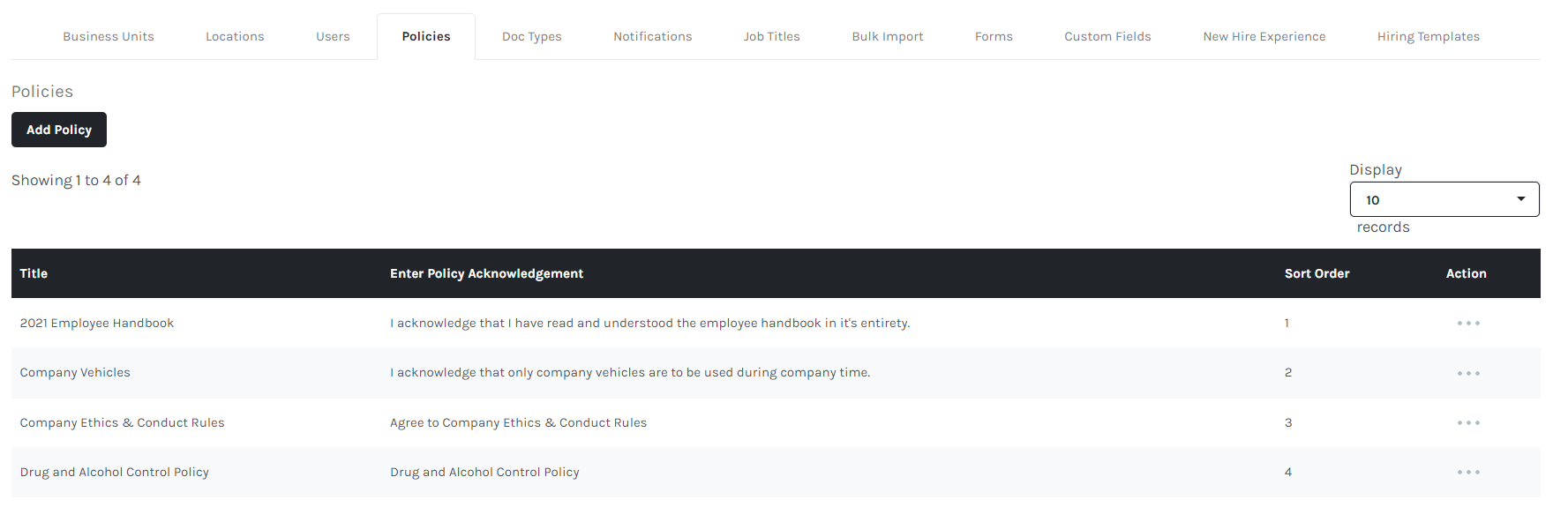
- In the Administration menu, click the Policies tab.
Reviewing Policy
- Click the ... button from the Action column.

- Click View Policy.

- The document will be presented for reference.

- Click Close at the bottom of the modal window when finished reviewing the document.