
No Longer Supported
The Talent Dashboard is no longer offered or supported. The following resource is for reference only.
Navigating to Reports in Talent Management
- Go to the navigation menu of Talent Management and click Talent Dashboard.

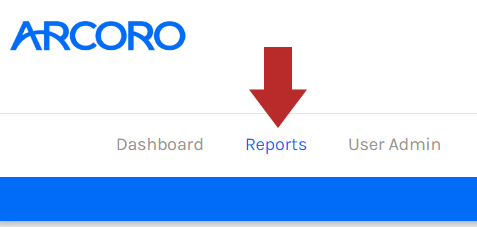
- Click Reports from the Talent Dashboard.
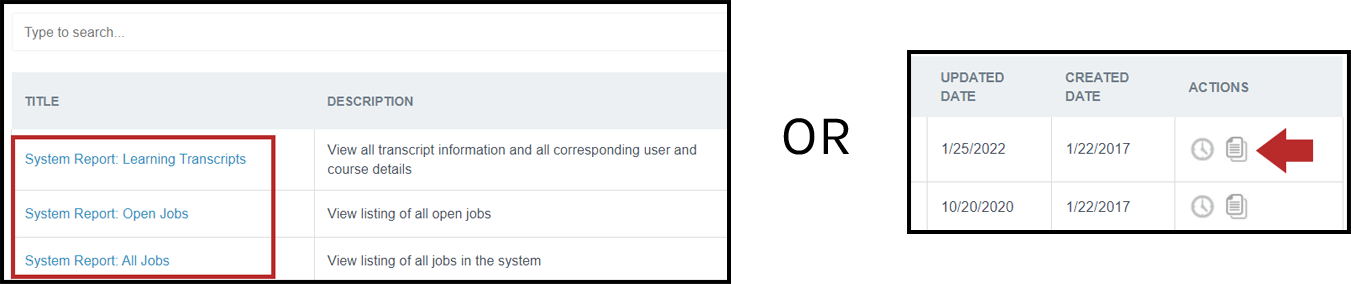
- Select the report to edit by clicking the report title or copy an existing report by clicking the duplicate
 icon under the Actions column.
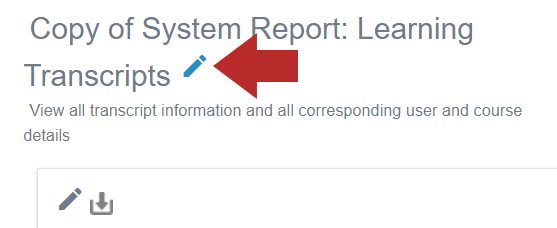
- Click the pencil
 icon next to the report to edit the report name or description. If this is a duplicated report, it is best to remove the "Copy of" prefix in the report name.
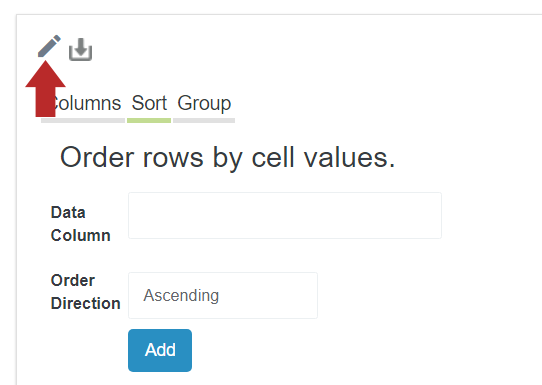
- Click the pencil icon above the data set to change report options such as the columns, sorting, and grouping.
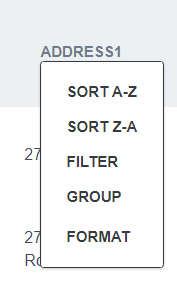
- Click on the column header to apply any sorting, filtering, grouping, or formatting. Some column header options will present an additional menu above the data set.
- Click Save when finished.