Excerpt From An Article
This article is an excerpt from another article: Complete Guide to Notifications for Onboarding
Navigating to Onboarding Notifications
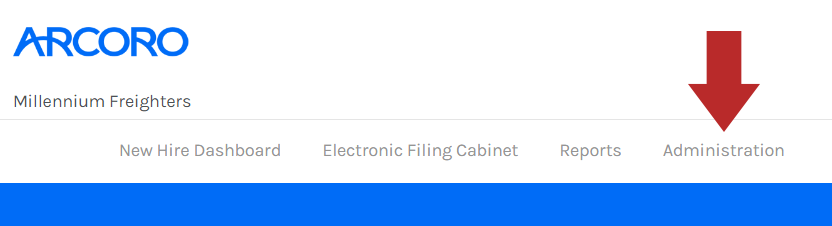
- Click Administration from the top menu bar of Onboarding.
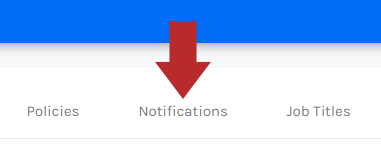
- In the Administration menu, click the Notifications tab.
- From the Notifications page, you will see any existing Notifications.

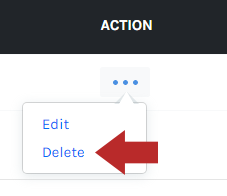
- Click the ... button from the Action column.
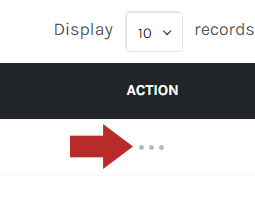
- Click Delete.
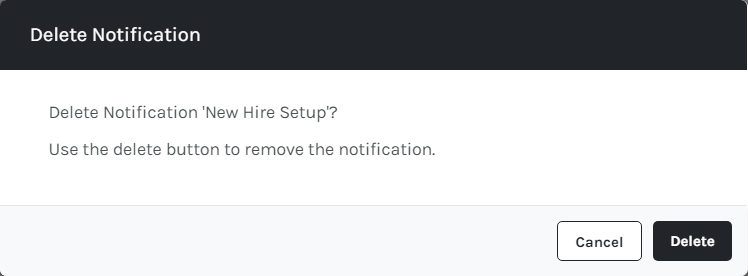
- You will see the following modal window to confirm the deletion. Click Delete.