Excerpt From An Article
This article is an excerpt from another article: Complete Guide to Job Codes
Navigating to Job Codes
- From Talent Management, click Account Admin from the menu near the top-right.

- Click Company Setup to open the menu, then click Job Codes.
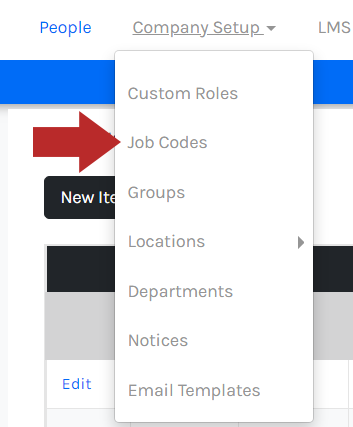
- The Job Codes page will list your current job codes, if any.

To delete a job code, it cannot be assigned to an employee. If you try to delete a job code that is assigned to an employee, the job code will stay listed.
- Click Delete towards the left of a job code.
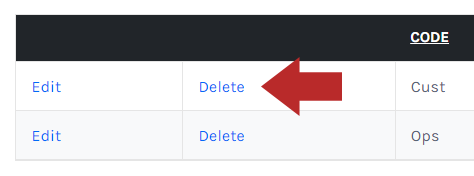
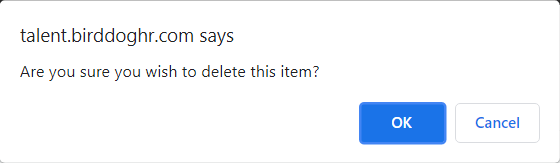
- In the confirmation modal, click OK.