
Excerpt From An Article
This article is an excerpt from another article: Complete Guide to Groups for Talent Management
Navigating to Groups
- From Talent Management, click Account Admin from the menu near the top-right.

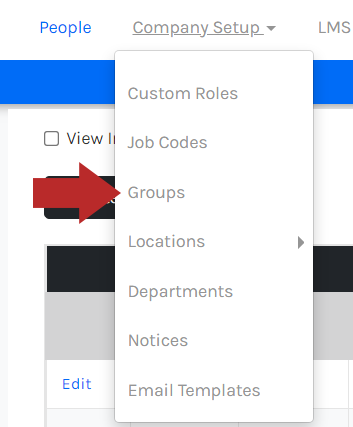
- Click Company Setup to open the menu, then click Groups.
- The Groups page will list your groups, if any.
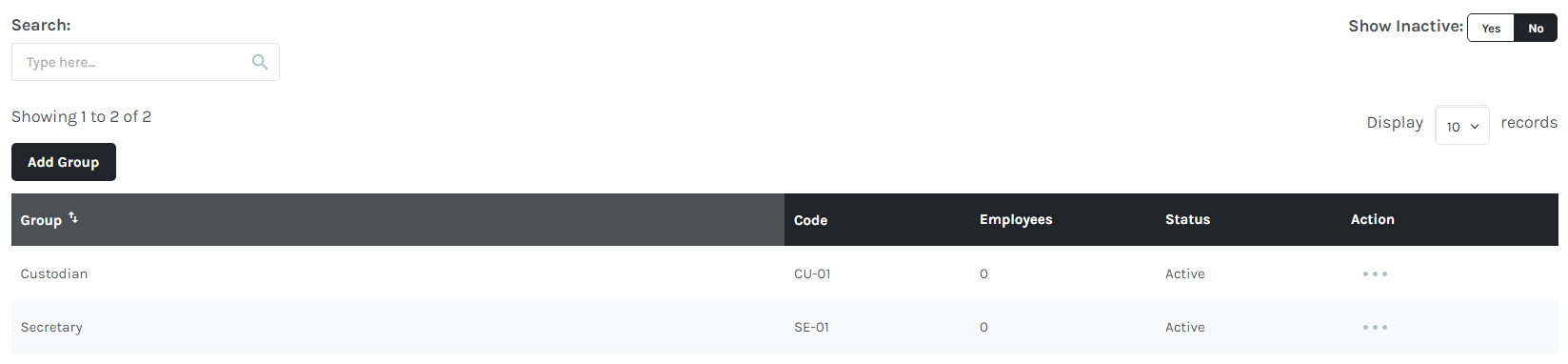
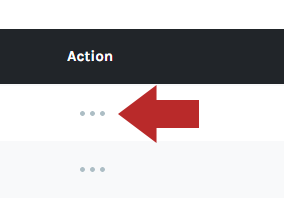
- Click the ... button.
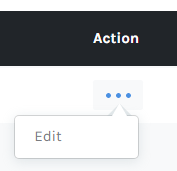
- Click Edit.
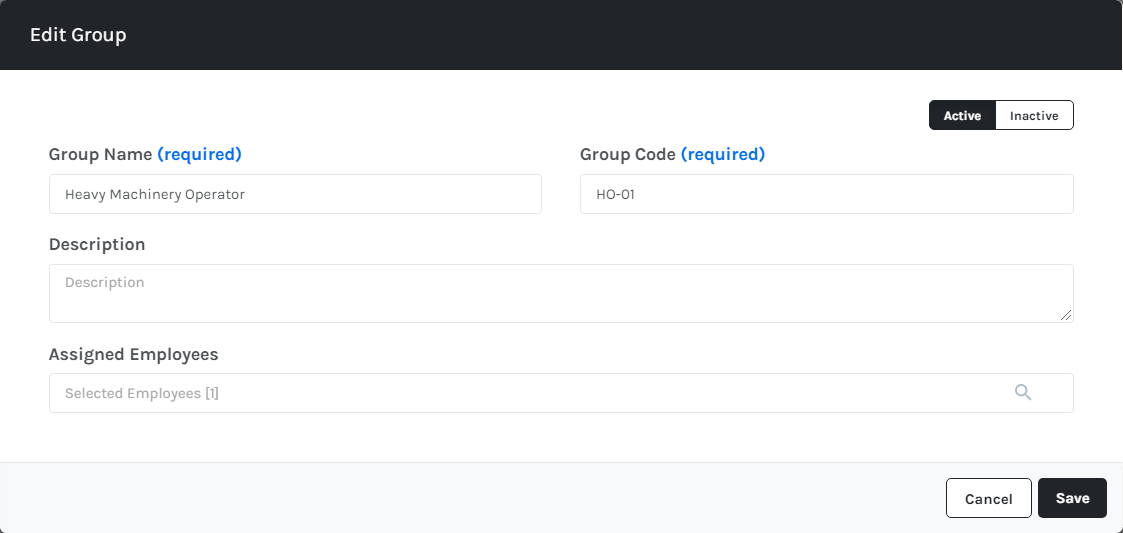
- Edit the fields for the group.
- Group Name* - The name is seen in drop-down menus.
- Group Code* - The group code cannot have any spaces.
- Description
- Add assigned employees from the employee picker. Multiple employees can be selected when doing so.
- Use the Inactive/Active option in the top-right. Making a group inactive will prevent it from being used as an assignment criterion in future assignments. Assignments that have already been assigned using that group will be upheld. If a group is re-activated, it will be available for assignments again.
- Click Save.