Excerpt From An Article
This article is an excerpt from another article: Complete Guide to Departments
Navigating to Departments
- From Talent Management, click Account Admin from the menu near the top-right.

- Click Company Setup to open the menu, then click Departments.
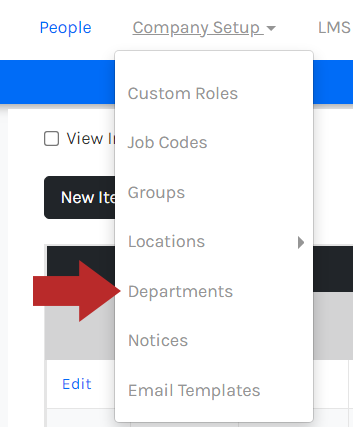
- You will see the Departments page like below with a list of your current departments.

When deleting a department, if it was assigned to an employee, the department will be removed from the employee profile and the department field will be blank.
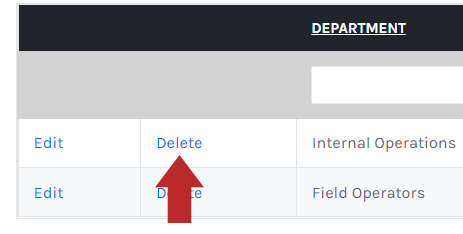
- Click Delete.
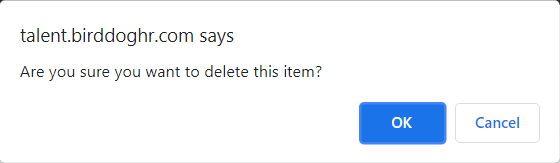
- You will see a deletion confirmation modal. Click OK to confirm.