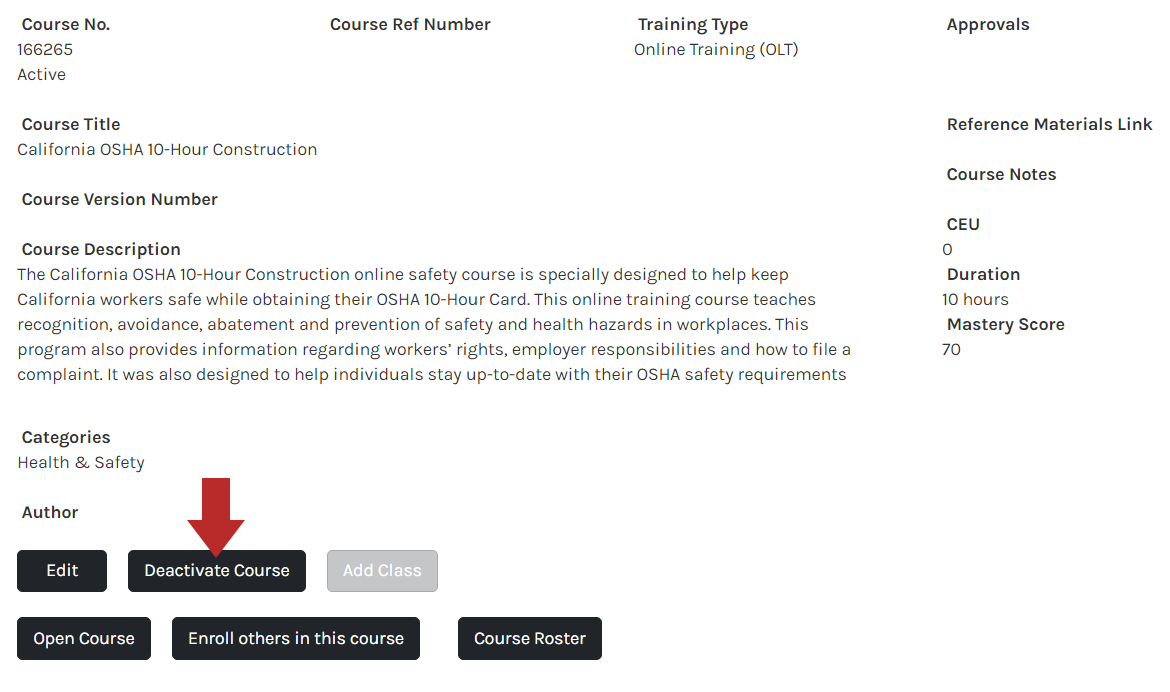
After creating a course, the course needs to be activated. Or if the course is no longer needed, you can deactivate it.
Activating a Course
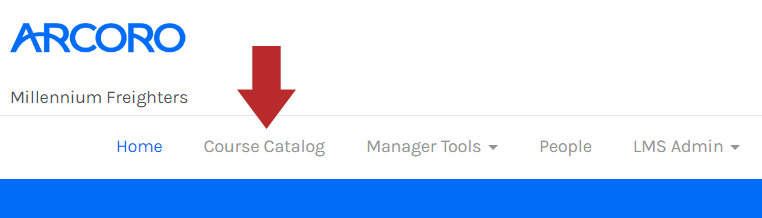
- Click Course Catalog from the top menu.
- On the right, mark the checkbox 'Include Inactive Courses'. Click Go next to the search bar.

- A column will appear labeled "Active." Search by keyword or look for a status of Inactive.

- Click on the name of the course to view the course information.

- Click Activate Course.
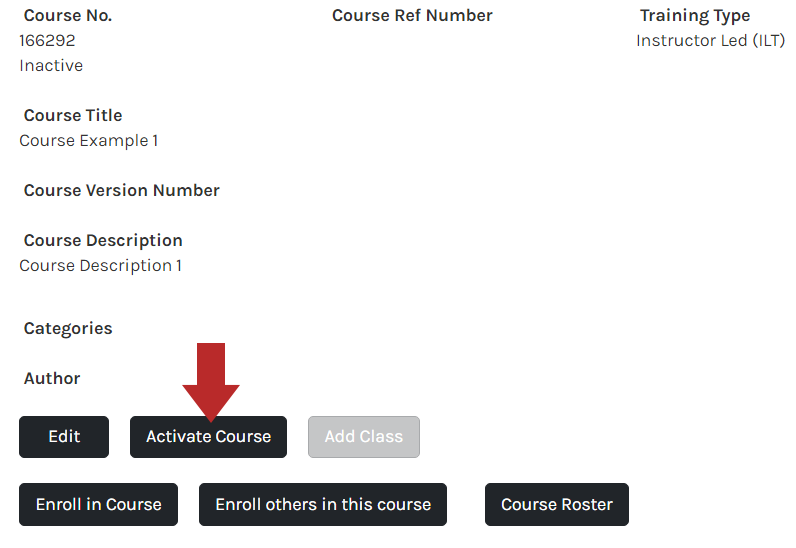
Deactivating a Course
- Click Course Catalog from the top menu.
- Click on the name of the course to view the course information.
- Click Deactivate Course.