Disposition Codes allow you to track the final result of a candidate and why for a specific job application. If a disposition code has been deactivated, it can be reactivated from the disposition code menu.
Navigating to Disposition Codes
- Click Administration from the top menu bar.
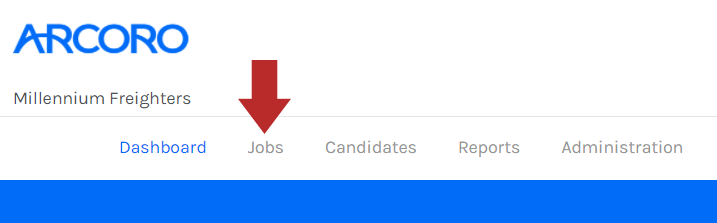
- Click Disposition Codes from the list on the left-hand side.
Reactivate a Disposition Code
- Click the Yes/No toggle to show deactivated disposition codes.
- Click the
 icon to the right of the disposition code.
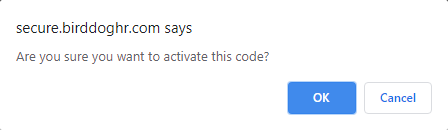
- A confirmation modal will appear to confirm the activation. Click to confirm.
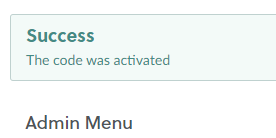
- A confirmation message will appear in the top left if successful.